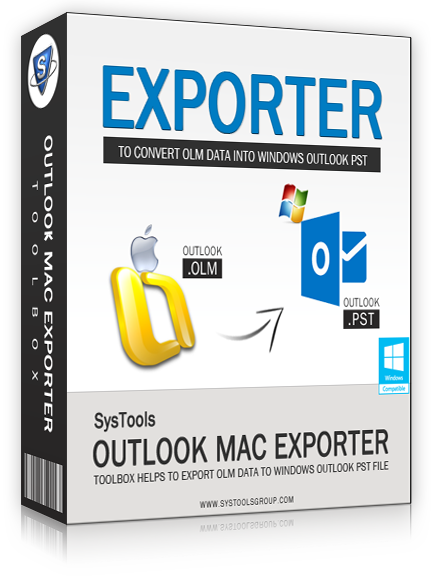
"OLM to PST" Converter — Making Outlook 2011 Mac Data Accessible in Windows Outlook
If an Outlook 2011 Mac user wants to access his Outlook database in Windows Outlook then, he needs to Convert OLM File to PST. Manually, he can't access the database because OLM format is not supported by Windows Outlook. The most dependable and safe tool, which is available in online market to convert mail from Mac to Windows Outlook is, Outlook File to PST Conversion tool. You can export Mac Outlook to Windows Outlook of any size with the help of this tool. It's very user-friendly in usage and quick in providing results.
Key Features
Embedded with-in “OLM to PST” Converter
- Comprehensively Export OLM Database
- Super fast conversion with Filter facility
- Versatile solution for Windows Outlook
- Folder & Sub Folders Hierarchy is preserved
Our Happy Customer
Trustworthy Referral and Feedback
“OLM to PST” Converter worked wonders for me as I was looking to pull out emails from OLM file and open that with Windows Outlook & was offered with a perfect solution here.
Henry Desouza, Technical Manager
Quick Support – 365x24x7
Support Center – Assistance Is Not Too Far!
- Complaints handling
- Help through mails or online chat
- Details about purchase functionality
- Details regarding remote access installation service
OLM Viewer — Open Archive.olm without Mac on Windows System
If your OLM file is inaccessible in apple mail or you are planning to Export Mac Outlook to Windows Outlook and looking to preview your database with-in Windows environment then here we offer you one FREE solution for your need. Get OLM Viewer and view OLM emails on windows system as a preview and you will be not permitted to make any alterations in original database. And to Migrate Outlook 2011 to Outlook for windows get "OLM to PST" Converter which gives the chance to alter original OLM file database.
Click to Download FREEWARE OLM Viewer